

Navigation
The TUI uses Vim-inspired keybindings. Usej/k or arrow keys to move, Enter to select, Esc to go back, and ? to open the command palette with all available shortcuts.
Home
The home screen shows all your projects (owned and shared).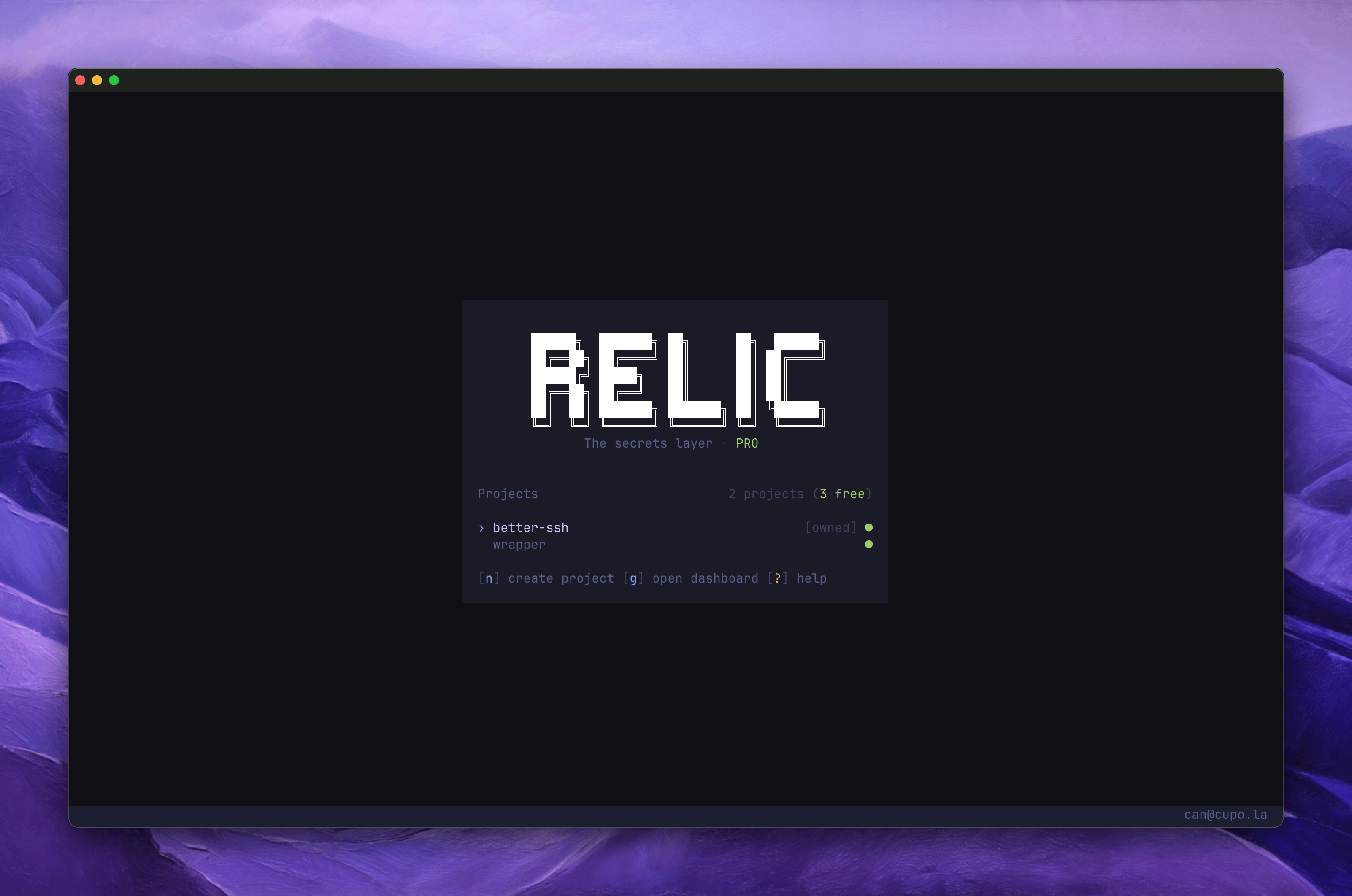
From here you can create, rename, and archive projects. Press
p to change your master password.
Project View
Select a project to see its environments. Navigate deeper into folders and secrets.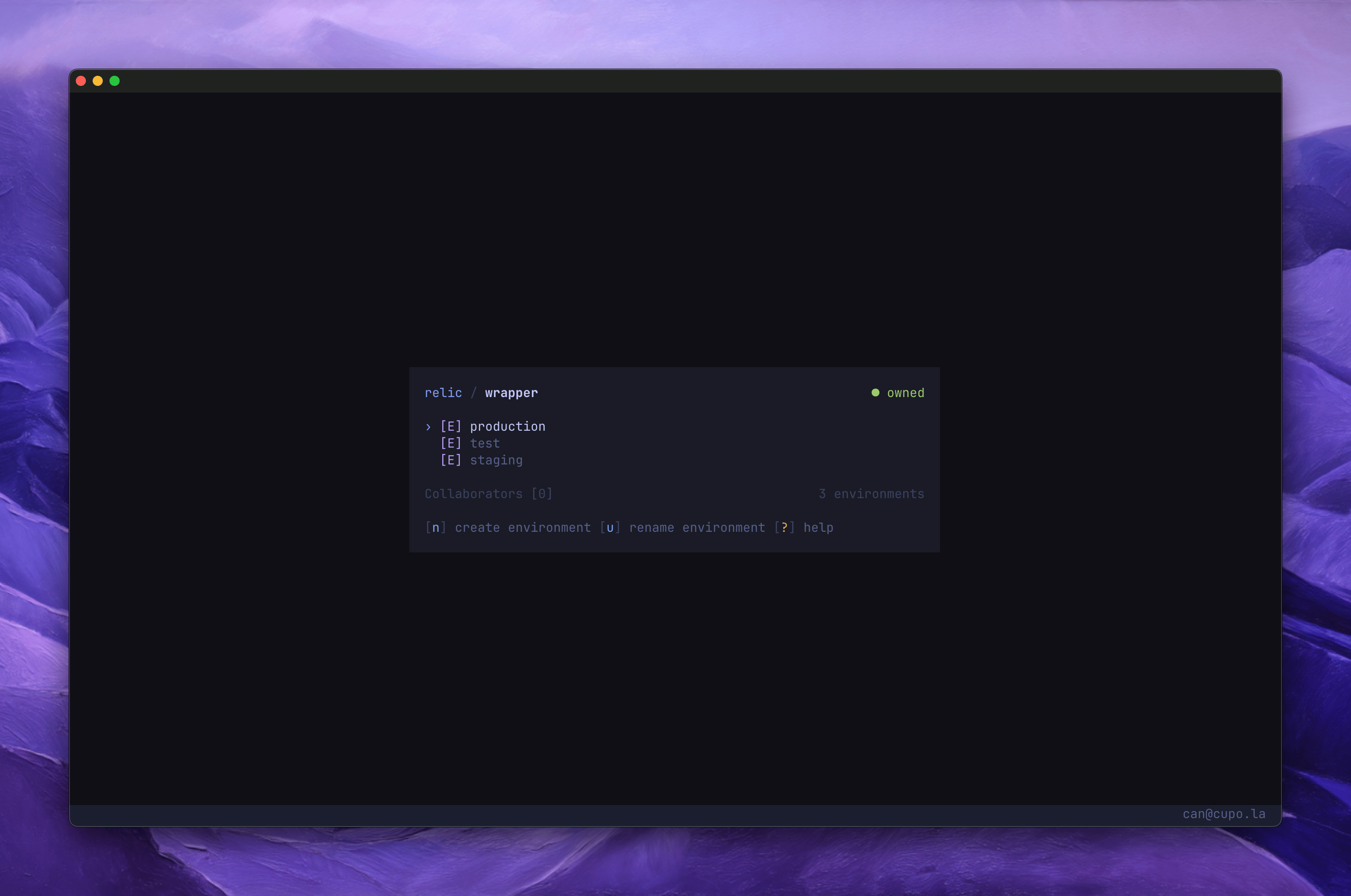
Environments
Environments separate secrets by deployment target (development, staging, production). Pressn to create one, u to rename, d to delete. Enter an environment to see its folders and secrets.
Folders
Folders are optional groupings inside an environment. Useful for organizing secrets by service (e.g.database, api). Create, rename, and delete folders with the same shortcuts.
Secrets
Secrets are displayed with masked values by default. Pressv to toggle visibility. Press d to delete a secret.
Collaborators
Pressc from any environment view to manage collaborators. You can add teammates by email, revoke access, or revoke with key rotation. See Project Collaboration for details.
Bulk Import
Press⌥i (Option+i) to open the bulk import editor. Paste secrets in .env or JSON format.
- .env
- JSON
⌥j, save with ⌥s. Existing secrets with the same key are overwritten.
Password
Setup
On first login, you are prompted to create a master password. This password encrypts your private key and is required to decrypt secrets.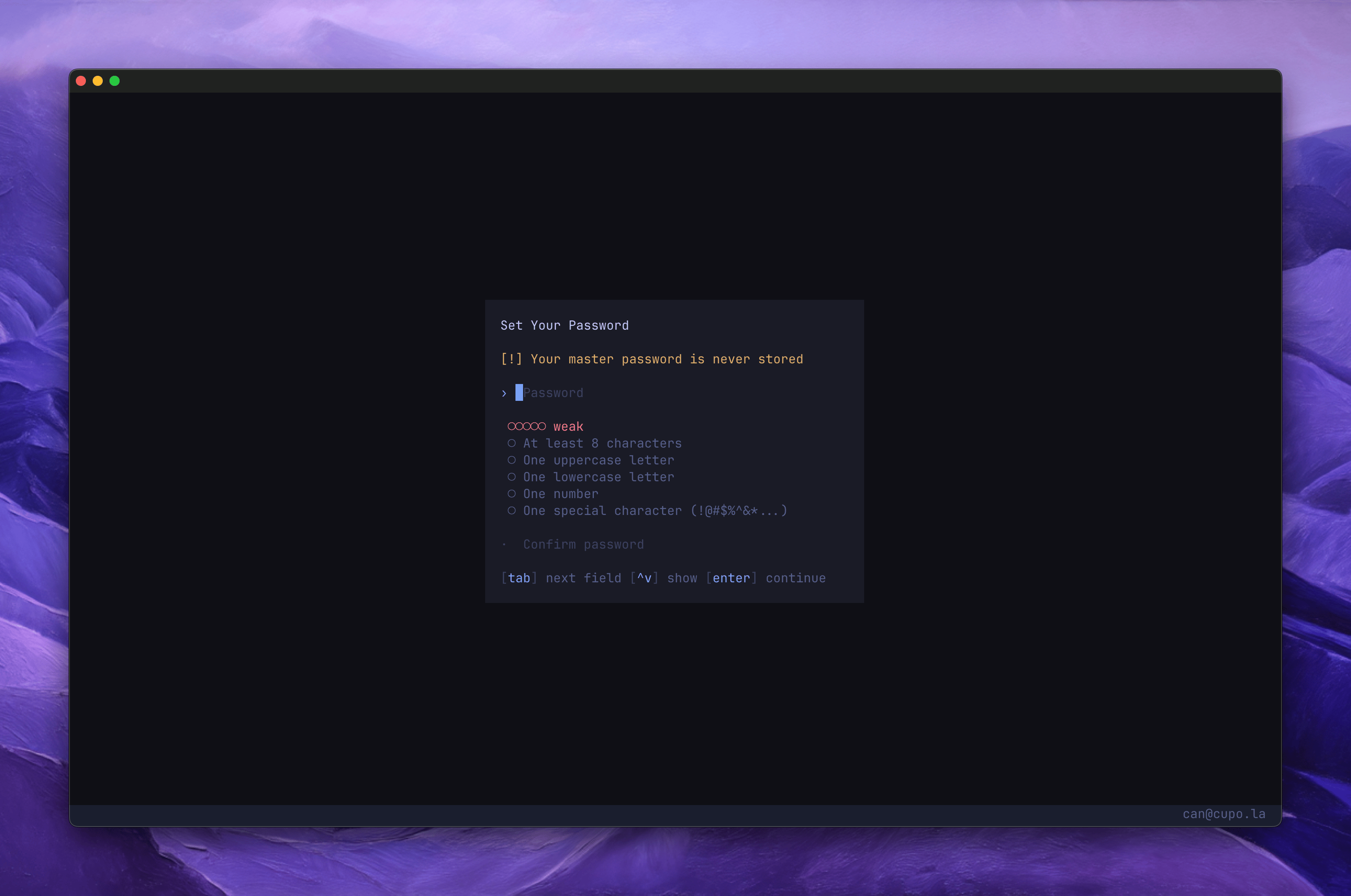
Changing your password
Pressp on the home screen to change your master password. You will need to enter your current password first.
See Security & Encryption for details on how the password protects your keys.