

.env secrets in the TUI, inject them at runtime without leaving plaintext files on disk, sync to your cloud platforms, and let AI assistants run your code without seeing secret values.
Prerequisites
Relic runs in the terminal. For the best experience with the TUI, use a modern terminal emulator:Other terminals work for the CLI, but may have rendering issues with colors and UI elements in the
TUI.
Installation
Try Relic in ~60 seconds
Primary path (macOS / Linux):relic init alone does not create environments. Open the TUI (relic) and create at least one environment before relic run.
Alternates: brew install heycupola/tap/relic · npm install -g relic · bun add -g relic
Other install methods
- curl
- PowerShell
- Homebrew
- Scoop
- npm
- Bun
Windows support is in beta. Relic runs natively on Windows 10 and 11 (x64) and is tested in CI on
every change, including the runner and the PowerShell installer. ARM64
devices run the x64 build under emulation. See Troubleshooting for
known differences, and open an issue if
something does not work.
How Relic Is Organized
Secrets in Relic follow a hierarchical structure:- Project: A container for all secrets related to an application or service.
- Environment: Separates secrets by deployment target. Every project has at least one.
- Folder: Optional grouping within an environment. Useful for organizing secrets by service or domain (e.g.
database,api,web). - Secret: A key-value pair. The key is stored in plaintext, the value is encrypted with AES-256-GCM.
relic run -e production, all secrets in that environment are injected. Add -f database to include only secrets from a specific folder.
Getting Started
1
Sign in
Open the TUI and sign in with your Google or GitHub account: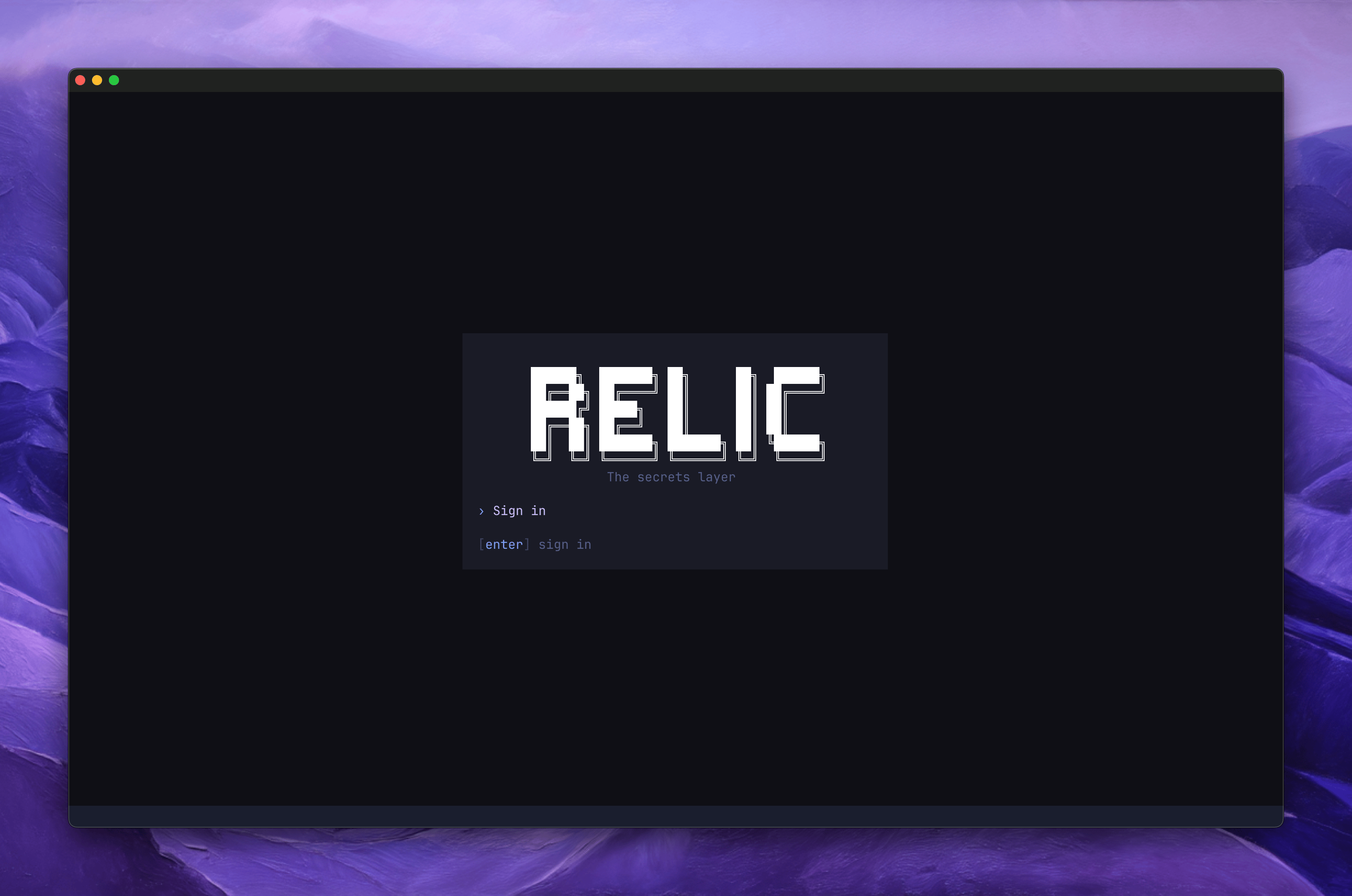
2
Manage secrets
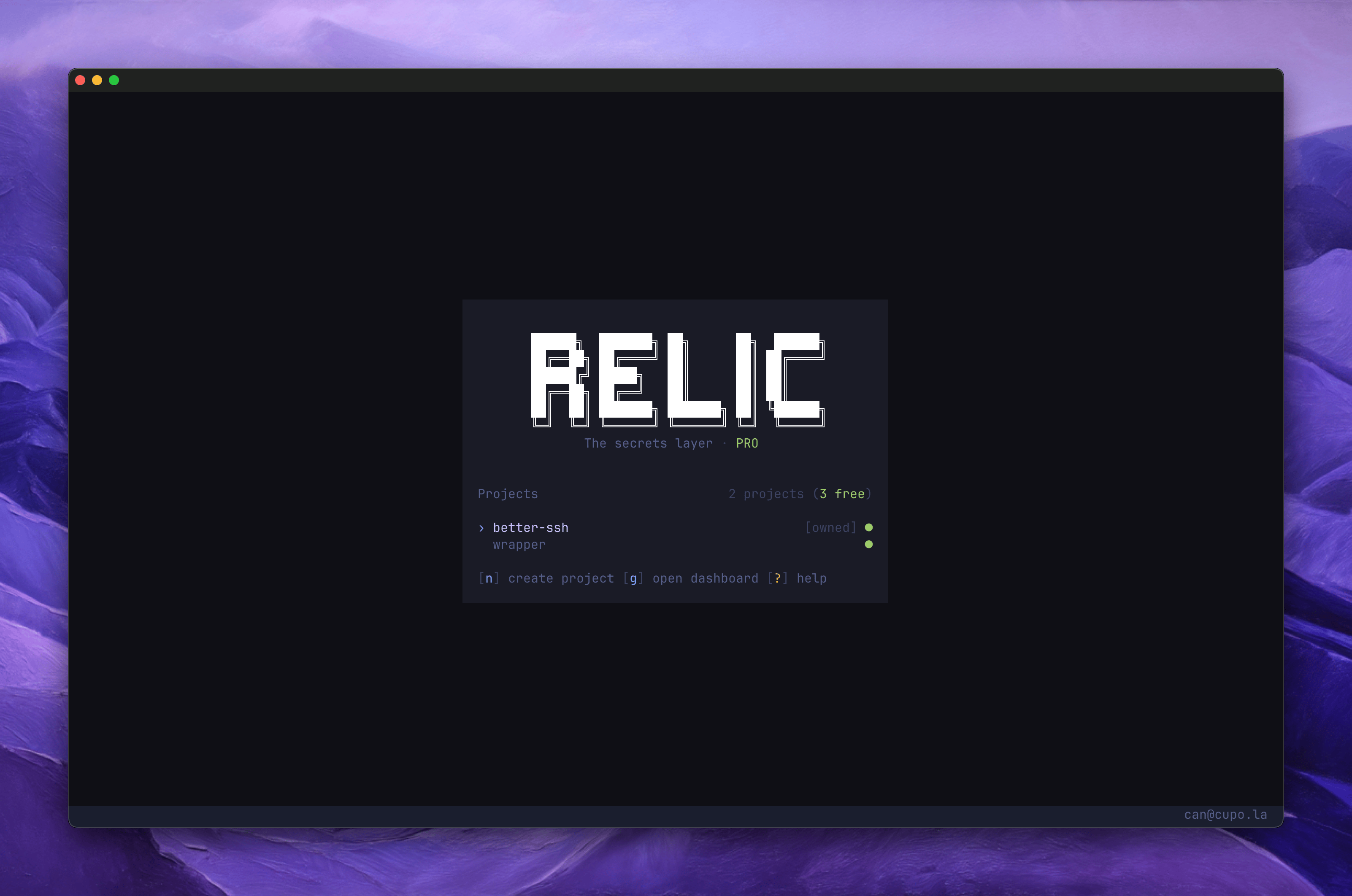
After signing in, the TUI opens your project list. From here you can:
- Create projects
- Add environments (development, staging, production)
- Create and organize secrets within environments
3
Initialize your project
Navigate to the root of your project and run:This creates:
relic.tomlwith your project ID.relic/directory for local cache
.relic/ contains its own .gitignore, so the cache stays out of version control. Commit
relic.toml.4
Inject secrets
Run any command with secrets injected as environment variables:Secrets are decrypted locally and passed to your process at runtime. Nothing is written to disk.See CLI guide for all available options.